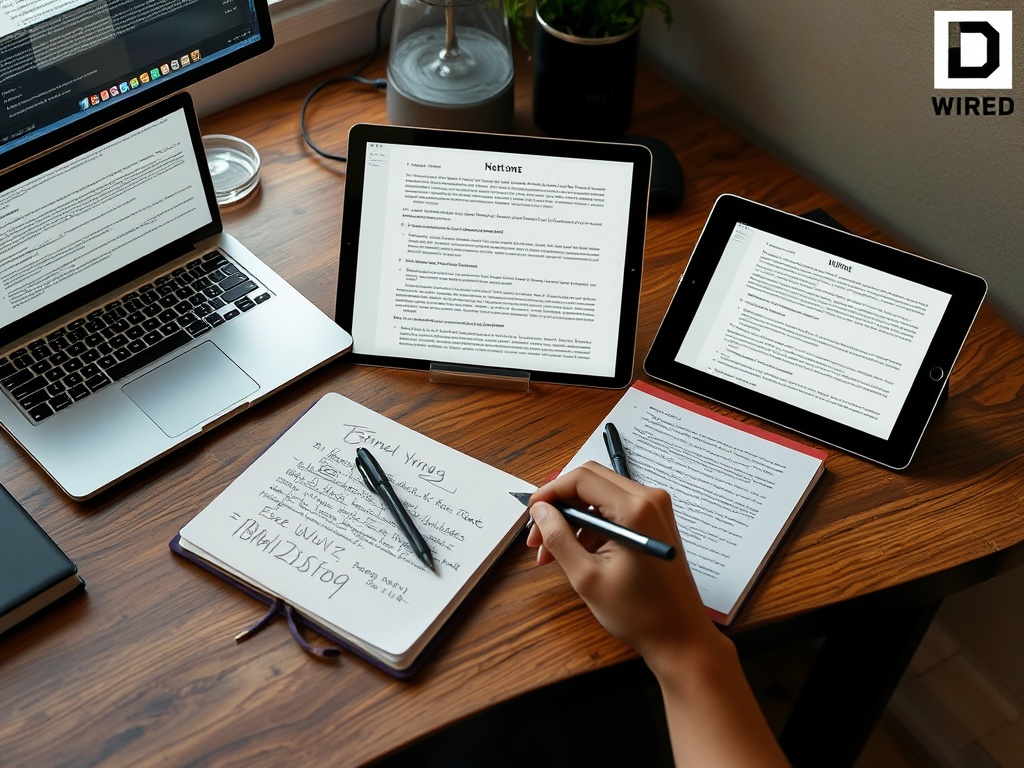

The best note-taking app is the one that matches how you capture, organize, search, and reuse information. Simple notes work for quick memory support, notebook apps work for research, and workspace tools work better when notes need tasks, databases, or team context.
TL;DR: Do not choose a note app by feature count alone. Pick based on capture speed, search, offline access, device support, privacy needs, sharing, and whether notes must connect to tasks or projects.
Start with the note-taking job
People often switch note apps because the current system feels messy. The problem is not always the app. It may be that every type of information is being stored in the same place with no rules. A meeting note, project decision, reading highlight, password hint, shopping list, and long-term idea do not need the same structure.
Before choosing tools, define the job. Are you trying to remember quick thoughts, build a personal knowledge base, manage research, collaborate with a team, or connect notes to tasks? The answer narrows the field quickly.
If you are setting up a new computer at the same time, build note capture into the device setup rather than treating it as an afterthought. Our macOS setup guide includes the first-week habits that make notes, backups, and app permissions easier to manage.
The main app categories
| Tool type | Best for | Watch out for |
|---|---|---|
| Simple notes app | Fast capture and daily lists | Can become cluttered without folders or tags |
| Notebook app | Classes, research, projects, clipped material | Structure can become too deep |
| Workspace app | Teams, databases, content planning, tasks | More setup time and more decisions |
| Markdown notes | Plain-text portability and writing workflows | Less friendly for beginners |
| Task-connected notes | Meeting follow-ups and project execution | Not ideal for long reference libraries |
OneNote for notebook-style organization
Microsoft OneNote is useful when you think in notebooks, sections, and pages. It fits school notes, client notes, research binders, and mixed media. People who already use Microsoft 365 may like the familiarity and account integration.
OneNote is a strong choice for users who want freeform pages, typed notes, images, and organized notebooks. It may feel less ideal for people who prefer clean Markdown files, database views, or strict task management.
Evernote for capture and retrieval
Evernote has long focused on capturing notes, web clips, documents, and ideas in a searchable library. It can work well for people who save reference material from many sources and need strong search and tagging habits.
The caution is that a capture-first system can become a storage closet. If everything is clipped and nothing is reviewed, search becomes the only organization method. Use notebooks and tags lightly, then schedule regular cleanup.
Notion for structured workspaces
Notion is useful when notes need to become a workspace with pages, databases, templates, calendars, and team documentation. It suits content planning, project dashboards, knowledge bases, and recurring processes.
The trade-off is setup complexity. Notion can feel powerful, but beginners may spend more time designing the system than using it. Start with a few pages and one simple database before building a large workspace.
Local or Markdown-based tools for portability
Some users prefer notes stored as local files, often in Markdown. This approach is attractive for writers, developers, researchers, and privacy-conscious users who want portability and long-term access. Plain-text notes are easier to move between tools, but they may require more comfort with folders, file naming, and sync choices.

This category is not always beginner-friendly, but it can be excellent for people who dislike lock-in or want notes to work with code editors and writing tools.
Features that matter more than hype
Look for these practical features:
- Fast capture on phone and computer.
- Reliable search across titles and body text.
- Offline access if you travel or work with unstable internet.
- Export options in useful formats.
- Clear sharing permissions.
- Version history or recovery options.
- Templates that reduce repeated formatting.
- A mobile app you actually like using.
AI summaries, transcriptions, and smart search can help, but treat them as support features. Do not let them replace basic organization, clear titles, and review habits.
Who should avoid which tool
Avoid a heavy workspace app if you only need grocery lists and quick ideas. Avoid a simple notes app if you manage research across dozens of sources. Avoid a local-only notes system if you need seamless phone capture and sharing. Avoid a team tool if your notes are private and you do not want permission settings to manage.
If your notes feed a publishing workflow, the tool should connect to your planning process. Our on-page SEO vs technical SEO guide explains how content and technical checks differ, which can help teams decide what belongs in notes, checklists, and publishing dashboards.
Keep migration small
Changing note apps is a good time to reduce clutter. Do not import every old note automatically unless you truly need a complete archive. Move current projects, evergreen references, and important records first. Leave stale clippings, duplicate meeting notes, and old task lists behind or store them in a separate archive. A smaller migration helps you learn the new app without burying useful notes under years of noise.
A simple setup for most people
Create four top-level areas: Inbox, Active Projects, Reference, and Archive. Capture everything quickly into Inbox. Move useful items into Active Projects or Reference during a weekly review. Archive completed or stale material. This system works in almost every note app.
For metrics, dashboards, and reporting notes, consider how information will be interpreted later. Our data literacy guide can help you label charts, notes, and metrics so they stay useful beyond the day you captured them.
Pick for behavior, not wishful thinking
A note app should reduce friction. Choose the tool that matches your capture style, review rhythm, devices, and collaboration needs. Start simple, migrate only valuable notes, and judge success by whether you can find and use information when it matters.