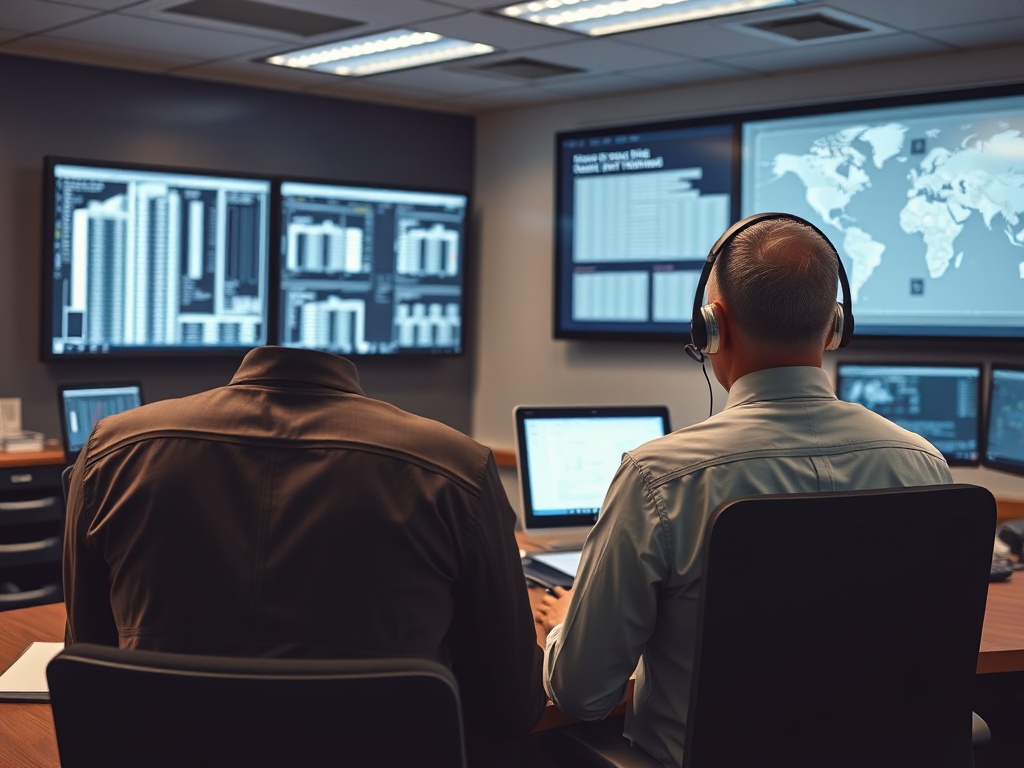

Remote HVAC management gives multi-site businesses a central view of temperatures, schedules, alarms, equipment status, and energy-related operating data across many locations. Its value comes from faster visibility and consistent standards, but successful programs also require local maintenance capacity, disciplined alarm design, reliable sensors, clear access control, cybersecurity, and site-by-site commissioning.
Centralize the data that helps teams make decisions, not every possible point. Standardize schedules, naming, alarm priorities, and performance metrics across sites while preserving local override procedures for safety and operations. Treat remote access as operational technology: protect credentials, segment networks where appropriate, control vendor access, patch systems, back up configurations, and keep a tested fallback plan for loss of connectivity.
Remote Management Solves a Visibility Problem
A business with dozens or hundreds of stores, clinics, restaurants, offices, or warehouses can struggle to know what each HVAC system is doing until a comfort complaint or utility bill reveals a problem. Remote platforms can collect data from thermostats, rooftop units, building automation systems, submeters, sensors, or gateways and present it to a central team.
Typical uses include:
- Reviewing site temperatures and humidity.
- Comparing operating schedules with business hours.
- Receiving alarms for equipment or sensor faults.
- Detecting sites that run overnight without a business reason.
- Tracking repeated high or low temperature complaints.
- Confirming whether a contractor restored equipment after service.
- Comparing similar sites to identify unusual behavior.
The U.S. Department of Energy’s building-controls overview notes that modern networking has expanded remote monitoring and control. That capability can scale facility operations, but remote control should not be confused with remote diagnosis. Many faults still require a technician at the equipment.
Standardization Makes a Portfolio Manageable
Central teams need consistent data. If one store calls a rooftop unit “RTU-1,” another calls it “Main AC,” and a third labels it by serial number, portfolio analytics become difficult.
Create a naming standard for sites, zones, equipment, sensors, and alarms. Document time zones, business hours, holiday schedules, occupancy patterns, and critical spaces. Define which setpoints can be changed centrally and which require local or engineering approval.
Start With Schedules and High-Value Alarms
The fastest operational wins often come from schedule cleanup and a small set of actionable alarms. An alarm program should answer three questions: What happened? How serious is it? Who owns the response?
Useful high-priority events may include loss of heating or cooling in critical spaces, freeze risk, high temperature in server or medication areas, condensate overflow, communication loss, repeated equipment lockout, or extreme sensor readings. Lower-priority analytics can identify excessive runtime, simultaneous heating and cooling, or poor recovery after occupancy begins.
Too many alarms create fatigue. If staff receive hundreds of low-value notifications, important events are missed. Tune thresholds, add delays where appropriate, suppress duplicates, and close the loop by recording what corrective action occurred.
These same principles underpin how building automation helps commercial HVAC use less energy, but the multi-site challenge adds organizational scale and network dependence.
Remote Monitoring Should Feed Local Work
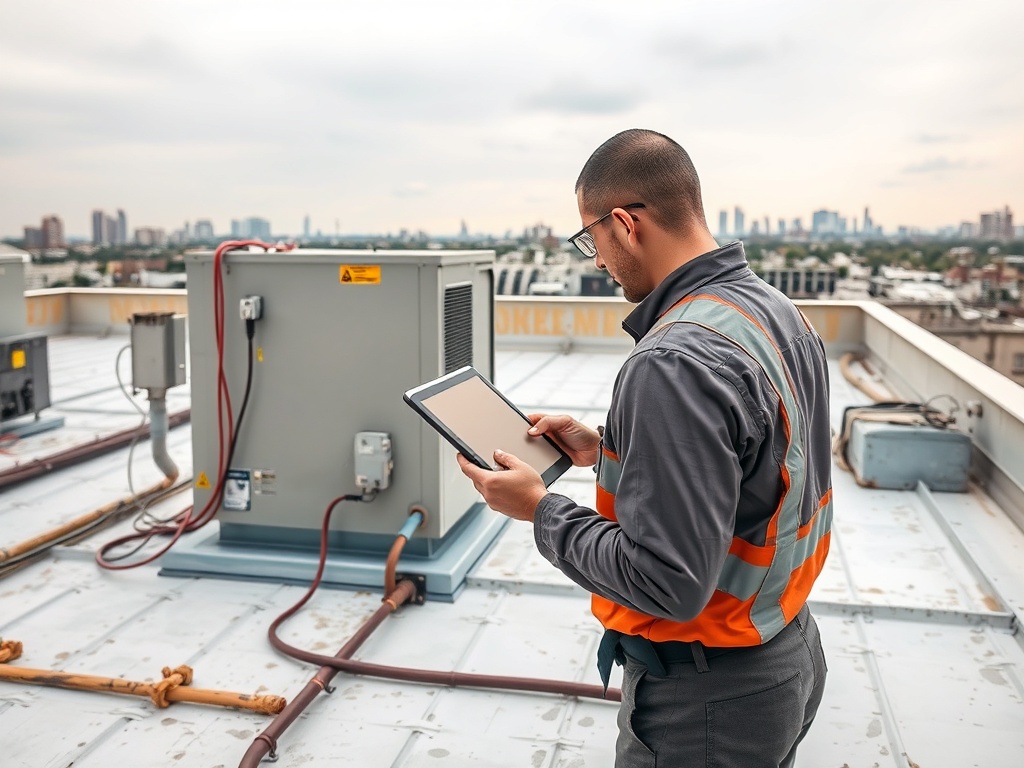
A central facilities team can see that a discharge-air temperature is wrong; it cannot remove a clogged filter or replace a failed actuator through a dashboard. Remote management works best when it is tied to local technicians, store managers, or contracted service providers.
Build an escalation workflow:
1. Central system detects or receives an alarm.
2. Operator checks related trends and rules out obvious sensor or communication errors.
3. Site staff confirm local conditions when safe and appropriate.
4. A service ticket includes relevant trend data, timestamps, and equipment identification.
5. Technician performs field diagnosis and repair.
6. Central team verifies that the alarm cleared and normal behavior returned.
This closed-loop process prevents the dashboard from becoming a passive alarm archive.
Cybersecurity Is Part of HVAC Operations
Connected HVAC is operational technology, or OT. A compromised account or poorly secured remote gateway can affect physical building operation, not just data confidentiality.
NIST’s 2026 guidance on building automation and control system cybersecurity highlights the growing dependence of modern buildings on connected systems. NIST also treats building automation as OT in its broader security guidance.
Basic practices include:
- Unique user accounts rather than shared credentials.
- Multi-factor authentication where supported.
- Role-based permissions that limit who can change setpoints or sequences.
- Controlled and time-limited vendor access.
- Network segmentation appropriate to the organization’s architecture.
- Asset inventories for controllers, gateways, software, and remote connections.
- Patch and firmware management based on vendor support and operational risk.
- Configuration backups and tested restore procedures.
- Logging of remote changes.
- Decommissioning unused accounts and obsolete remote-access paths.
Cybersecurity decisions should be coordinated with IT, OT, vendors, and facility leadership. A generic checklist cannot substitute for a risk assessment.
Choose Metrics That Drive Decisions
A multi-site dashboard can display hundreds of charts. Focus on measures tied to action:
| Metric | Why It Matters |
|---|---|
| After-hours HVAC runtime | Identifies schedule drift or overrides |
| Space temperature outside acceptable range | Flags comfort or operational risk |
| Recovery time at opening | Can reveal capacity, schedule, or envelope issues |
| Repeated lockouts | Identifies chronic equipment faults |
| Simultaneous heating and cooling indicators | Points to control waste |
| Communication uptime | Shows blind spots in remote visibility |
| Alarm closure time | Measures operational response, not just detection |
Account for the Building Envelope and Equipment Condition
Remote data is most powerful when combined with physical inspections. A location that cannot hold temperature may have an undersized or failing unit, open loading doors, damaged roof insulation, duct leakage, or major air infiltration. Software should help narrow the problem rather than automatically blaming controls.
The envelope relationship in why insulation and air sealing matter to HVAC performance can explain why two identical rooftop units behave differently at similar sites.
Likewise, recurring high head pressure, coil temperature anomalies, or condensate alerts may justify a field check for fouling, drainage problems, or corrosion. Remote systems provide evidence, but technicians still verify the physical cause.
Plan for Connectivity Loss
A building must remain safe and reasonably operable if the cloud platform, internet connection, cellular gateway, or central server is unavailable. Local controllers should maintain appropriate schedules and safety sequences without continuous remote supervision where the system design allows.
Document fallback behavior so site staff know which controls remain available, how to contact support, and when escalation is required.
Museums, archives, laboratories, and other condition-sensitive spaces may need stronger continuity plans because environmental drift can threaten collections or processes. The preservation-focused discussion in how museums and archive spaces manage temperature and humidity shows why alarm routing and environmental resilience can be as important as energy savings.
Roll Out in Phases
A practical implementation can move through four stages:
1. Inventory. Document sites, equipment, controls, connectivity, schedules, and critical zones.
2. Pilot. Connect a small group of representative sites and validate point naming, alarms, user roles, and workflows.
3. Standardize. Create templates for schedules, dashboards, escalation, contractor handoff, and cybersecurity controls.
4. Scale and tune. Add sites in waves, compare results, remove nuisance alarms, and update standards as equipment and operations change.
Build a Remote Program Around Accountability
The next step is to define who owns each layer: HVAC engineering, central monitoring, local response, IT/networking, cybersecurity, vendors, and executive reporting. Then select a limited set of operational goals such as reducing after-hours runtime, shortening comfort-response time, or improving visibility into repeat faults.
Remote HVAC management becomes valuable when data consistently leads to verified action. The technology creates reach; the operating model determines whether that reach produces better comfort, reliability, energy control, and maintenance decisions.
Informational disclaimer: This article is for educational purposes and does not constitute professional HVAC, controls engineering, electrical, cybersecurity, network architecture, building-code, energy-management, or legal advice. Remote-control capabilities and security requirements vary by facility and system. Consult qualified HVAC, controls, IT, and cybersecurity professionals for site-specific design and governance.